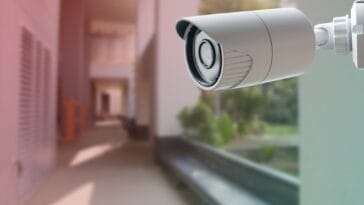
Setting up your VStarcam Smart CCTV Camera is quick and easy. Follow these simple steps to connect your camera to your mobile phone for live viewing anywhere in Pakistan.
- Download the VStarcam App
Install the VStarcam Ultra or O kAM PRO app from Google Play Store or Apple App Store. Create or log in to your account. - Power On the Camera
Plug in your VStarcam camera using the provided adapter. Wait for the voice prompt or blinking light to indicate it’s ready. - Add the Camera
Open the app → tap “+ Add Camera” → select Wi-Fi Configuration → scan the QR code on the camera or manually enter the ID. - Connect to Wi-Fi
Choose your 2.4GHz Wi-Fi network, enter the password, and wait for confirmation that the camera is online. - View and Manage
Name your camera, enable motion alerts, and start live monitoring, playback, or recording directly from the app.
For complete step by step guide click on this link https://mygss.pk/tutorials/how-to-setup-vstarcam-camera-ultimate-installation-guide-pakistan/